Website agents
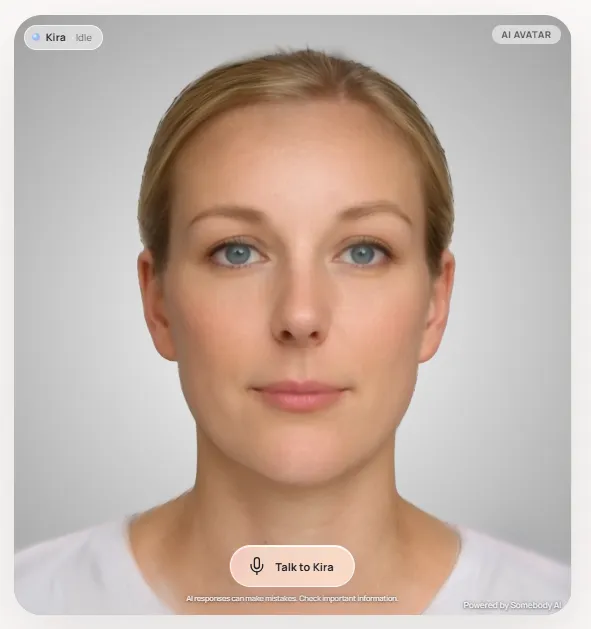
The best salesperson on your website has a face now.
Somebody greets visitors by voice, answers from your approved content, shows them around your site and captures the lead. It’s like having your best person on every page, all day.
Page actions
An agent that can use your website.
Chatbots send links. Somebody agents act on the page with the visitor, so they reach the answer instead of hunting for it.
Navigate
“Take me to the case studies.” The agent opens the right page and keeps talking.
Read the page
It knows what the visitor is looking at and can answer questions about it.
Scroll & highlight
Points out the paragraph, price or product that answers the question.
Fill in forms
Prefills enquiry and booking forms from the conversation, for the visitor to check and send.
Search your site
Finds the right content when it’s not on the current page.
Click for them
Opens tabs, accordions and buttons so visitors don’t have to hunt.
Lead capture
From “just browsing” to a qualified enquiry.
Tell the agent what you need to know — budget, timeline, team size — and it asks naturally as part of the conversation. Then it fills in your existing form so the lead lands where your team already works.
- Your qualification questions, asked in your tone
- Prefills your existing forms, so no new CRM integration is needed
- Full transcript for the salesperson who follows up
↳ Filled in by the agent · waiting for Priya to send
Start from a preset
Proven starting points, ready to make your own.
Sales assistant
Qualifies interest, answers product questions and books the next step.
Customer support
Resolves common questions from your help content and escalates the rest.
Personal tutor
Explains topics patiently, checks understanding and adapts to the learner.
HR onboarding
Welcomes new starters and answers policy and benefits questions.
Install
One line. Any website.
Copy the snippet from your agent’s Embed tab, with a live preview of exactly how it will look. Choose a corner launcher, an inline hero, a modal or full screen, and match it to your brand.
- Dock on scroll, picture-in-picture and fullscreen
- Captions, idle reminders and your own call to action
- Publishable keys locked to the domains you allow
<!-- Paste before </body> -->
<script
  src="https://embed.somebodyai.co/embed.js"
  data-agent-id="YOUR_AGENT_ID"
  async></script>
<somebody-agent agent-id="YOUR_AGENT_ID"></somebody-agent>
<script src="https://embed.somebodyai.co/embed.js" async></script>
const agent = SomebodyAgent.mount({
  agentId: 'YOUR_AGENT_ID',
  target: '#concierge',
});

agent.on('session.completed', (session) => {
  // hand the conversation to your CRM
});
Do I need a developer to add it to my site?
No. Copy one line from the Embed tab and paste it into your site, or into the custom code area of your website builder. Developers can use the web component or the JavaScript API for more control.
Which website builders does it work with?
Any site where you can add a script tag, including WordPress, Webflow, Squarespace, Wix, Shopify and custom-built sites.
Will it make things up?
Agents are instructed to answer from the knowledge you approve and can be told to escalate anything uncertain, sensitive or commercially binding to your team. As with any AI, review your transcripts and refine the instructions.
Does it use minutes while it sits on the page?
No. The agent waits on the page without using minutes. Minutes are counted only while a visitor is in a conversation.
Can visitors type instead of talk?
Agents are voice-first, with captions so visitors can follow along. For best results, invite visitors to talk.
Which plan do I need?
Every plan includes website embedding, Free too. On Free, conversations last up to 3 minutes and use your included avatar minutes; Pro removes the time limit and adds more minutes.






Give your website someone to talk to.
Create your first agent free in minutes, or let our agent show you around and book time with the team.