Developers & AI builders
Give any agent a face. Ship it in one line.
Embed a live, speaking agent with a script tag, control it from JavaScript, manage it through a REST API, or put a face on the ElevenLabs agent you’ve already built.
<!-- Paste before </body> -->
<script
  src="https://embed.somebodyai.co/embed.js"
  data-agent-id="YOUR_AGENT_ID"
  async></script>
<somebody-agent agent-id="YOUR_AGENT_ID"></somebody-agent>
<script src="https://embed.somebodyai.co/embed.js" async></script>
const agent = SomebodyAgent.mount({
  agentId: 'YOUR_AGENT_ID',
  target: '#concierge',
});

agent.on('session.completed', (session) => {
  // hand the conversation to your CRM
});
<!-- Next to your existing <elevenlabs-convai> widget -->
<script
  src="https://embed.somebodyai.co/embed.js"
  data-agent-id="YOUR_AGENT_ID"
  data-platform="elevenlabs"
  async></script>
For coding agents
Or let your coding agent install it.
Paste this into Claude Code, Codex or Cursor in your site’s repository. It reads our install guide, asks you for your agent ID, finds the right layout file and adds the embed.
- Covers Next.js, Astro, Nuxt, SvelteKit, Remix, WordPress and plain HTML
- Sets up your Content Security Policy if you have one
- No keys in your code: the snippet only needs an agent ID
Add a Somebody agent to this site by following https://somebodyai.co/install-for-agents.md. Ask me for my agent ID before you change anything.
Building blocks
Everything you need, nothing you have to host.
Four ways to embed
Script tag, <somebody-agent> web component, JavaScript API or iframe.
Events & control
Start, end and mute conversations, and react to session and recording events.
REST API
Manage agents, settings, knowledge and sessions, documented with OpenAPI.
Scoped keys
Origin-locked publishable keys, expiring secret keys and short-lived tokens.
Bring your own AI
Connect OpenAI, Google Gemini or Azure OpenAI, and test the connection in one click.
Page actions
The agent can navigate, highlight, click, search and fill forms on your page.
Layouts
Launcher, inline, modal or full page.
Configure layout and behaviour in the app with a live preview, then embed. No front-end rebuild needed when you change your mind.
- Corner launcher with dock-on-scroll and picture-in-picture
- Inline in your hero, as a modal, or full screen
- Skins, backgrounds, captions and calls to action
- Conversation memory across page navigations
- Recording hooks that respect your consent flow
ElevenLabs
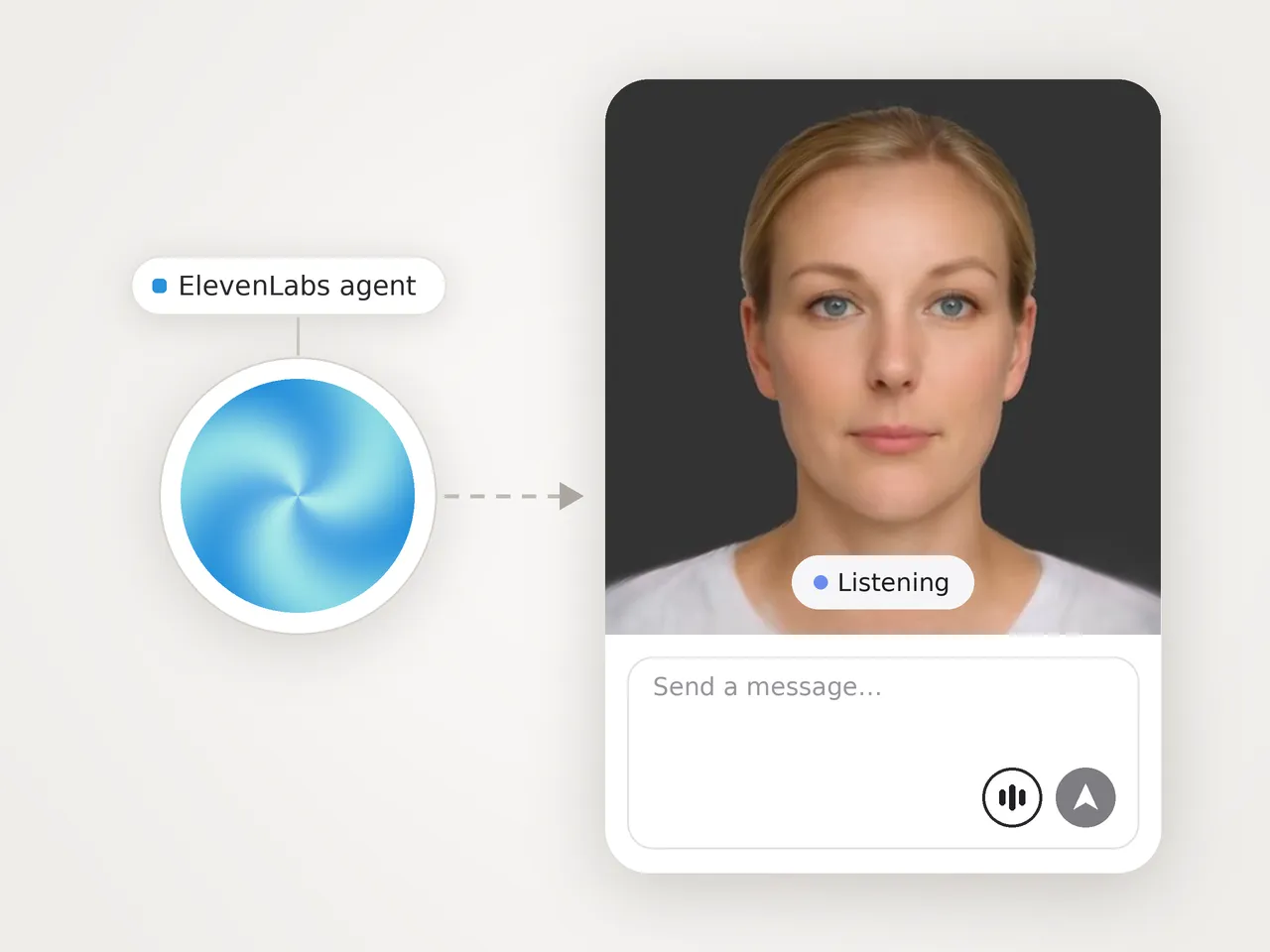
Your ElevenLabs agent, now with a face.
Keep your ElevenLabs voice, model and prompt exactly as they are. Add one script next to your existing widget, and Somebody gives your agent a lifelike face that lip-syncs to every word.
- No ElevenLabs API key shared with us
- Works with your existing widget
- Live preview in the launcher
From zero to live
Four steps to a working agent.
Create an agent
Pick a template, an avatar and a voice in the app.
Choose the AI
Use Included AI, or add your own provider key.
Allow your domains
Create a publishable key locked to your site’s origins.
Embed & listen
Paste the snippet and subscribe to session events.
Is there a REST API?
Yes. Paid plans include API access to manage agents, settings, knowledge and sessions, described by an OpenAPI specification. Authenticate with organization API keys.
How do I keep keys safe in the browser?
Use a publishable key, which only works from the domains you allow. Secret keys are for your server, can be set to expire, and can be rotated or revoked at any time. Keys are stored hashed.
Are there SDKs?
The embed script and its JavaScript API are available to everyone today. TypeScript and Python client libraries are in early access. Ask us if you’d like to use them.
Can I use my own LLM or agent framework?
Somebody runs realtime voice agents on OpenAI, Google Gemini or Azure OpenAI, using our keys or yours. If you’ve already built an agent on ElevenLabs, you can add a Somebody face to it without changing your agent. Talk to us about other platforms.
Can an AI coding agent set it up for me?
Yes. Paste the prompt on this page into Claude Code, Codex or Cursor. It follows our install guide, which tells it where the snippet goes in your framework and how to check that it worked. You still create the agent yourself in the app, so you stay in control of what it says.
Can I stop other sites using my agent?
Yes. Turn off “Anyone with the link can talk to this agent” under Share > Access keys, and the agent ID on its own starts nothing. Your team can still use it in the app, and your site uses the agent’s own publishable key or a short-lived session credential your server gets from the REST API. Agents created through the API start with the link off.
Can I control the agent from my page?
Yes. Mount it where you want, start and end conversations, mute it, and listen for events such as session started, session completed and recording available.






Build something people want to talk to.
Start free, or tell us what you’re building and we’ll help you get there.