Somebody Meetings
An AI colleague with a seat at the table.
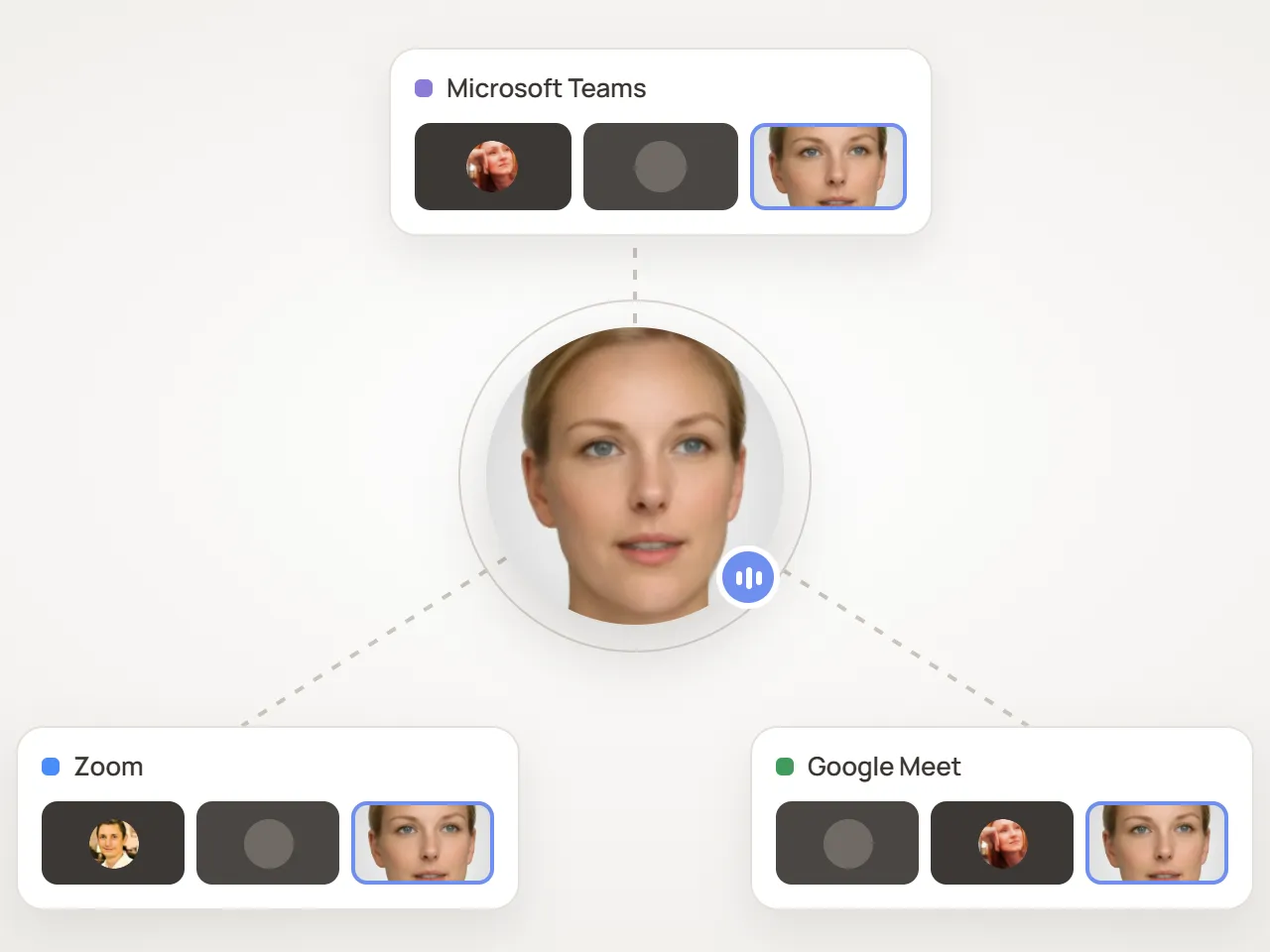
Send a Somebody agent into Google Meet, Zoom or Microsoft Teams. It joins with its own face and voice, listens, answers when it’s asked and helps keep the meeting on track.
Two ready-made roles
Start as a notetaker or a facilitator.
Meeting notetaker
Listens quietly, keeps track of what was said and decided, and answers questions about the discussion when asked.
Meeting facilitator
Opens the meeting, keeps time and the agenda moving, and makes sure every voice is heard.
Or write your own: an expert on your product, a training host, a stand-up runner or a recruiter for first-round chats.
You set the etiquette
Speaks when it should. Quiet when it shouldn’t.
- When to talk — when addressed, proactively, or only on request
- Its names — the names it answers to in the room
- Joining announcement — what it says when it arrives
- Disclosure — an AI notice on its video tile
- Good manners — leaves when everyone else has gone, with a maximum meeting length
Where it helps
More hands in the room, without more headcount.
Customer calls
A product expert on hand for the technical questions your account team can’t answer on the spot.
Training sessions
A host who welcomes attendees, runs exercises and answers questions in live sessions.
Internal rituals
Stand-ups, retros and reviews kept on time, with someone always taking notes.
Which meeting platforms are supported?
Google Meet, Zoom and Microsoft Teams. Paste a meeting link to send the agent in straight away, or book it to join a meeting later.
Will people know it’s an AI?
Yes. Agents show an AI disclosure notice on their video tile and can announce themselves when they join. We believe people should always know when they’re talking to an AI.
When does the agent speak?
You choose: only when it’s addressed by name, proactively when it has something useful to add, or only on request. You also decide which names it answers to.
How is meeting time billed?
The Free plan includes 10 meeting minutes a month. On paid plans, meetings draw on your voice minutes: each meeting minute uses two voice minutes.
Can it join meetings outside my organization?
It joins any meeting link you give it, subject to that meeting’s own admission rules, so the host may need to let it in.






Send Somebody to your next meeting.
Create your first agent free in minutes, or let our agent show you around and book time with the team.